
Summarize
Explore with AI
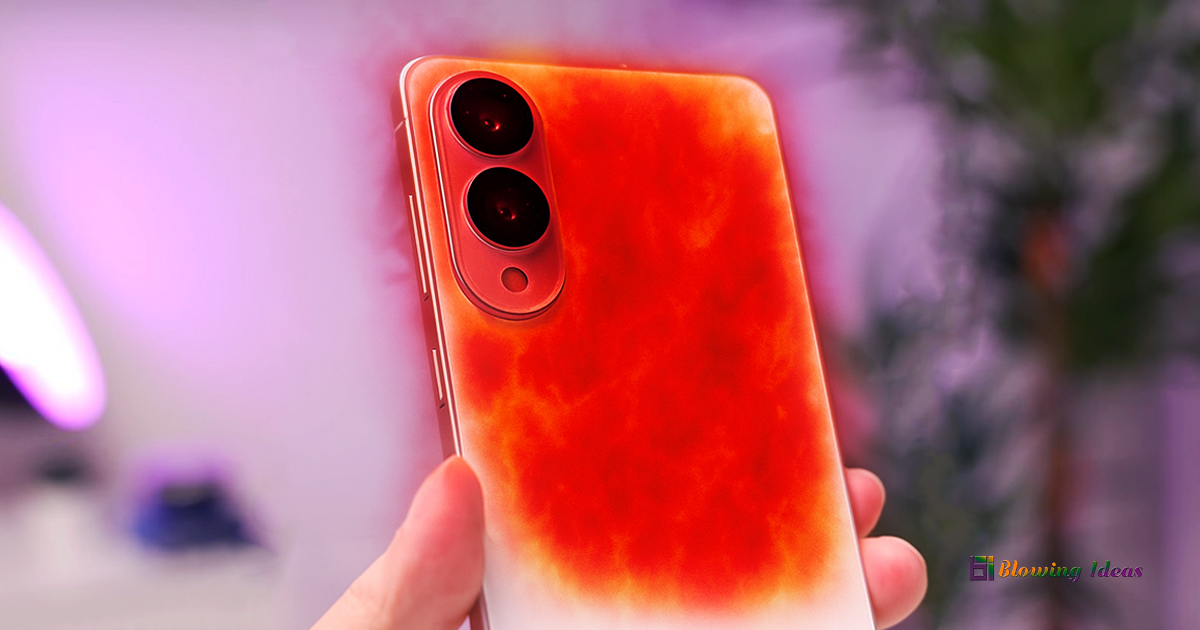
How to Fix Samsung Galaxy S25 Edge Overheating Issue? The Galaxy S25 Edge fulfils practically all of our expectations for a Samsung phone. However, like many high-end phones, it is susceptible to an annoying issue: overheating. If your S25 Edge becomes excessively hot while in use, don’t panic.
In this blog post, we’ll look at what causes the Galaxy S25 Edge to overheat, how to solve it, and why choosing a Galaxy S25 Edge slim can make a difference.
6 Quick Ways to Cool Your S25 Edge
- Close background apps
- Move away from the heat
- Enable Aeroplane/Power Saving mode
- Remove the case
- Lower screen brightness
- Pause heavy use
8 Reasons Behind S25 Edge Overheating
- AI Processing Loads the CPU
- Smaller Battery Capacity
- Improper Charging Habits
- 5G & GPS Usage in the Background
- Software Bugs in Firmware Updates
- High-Power Display Consumes More Energy
- Ultra-Thin Design = Less Room for Cooling
- Faulty Battery or Internal Damage
How to Fix Samsung Galaxy S25 Edge Overheating Issue?
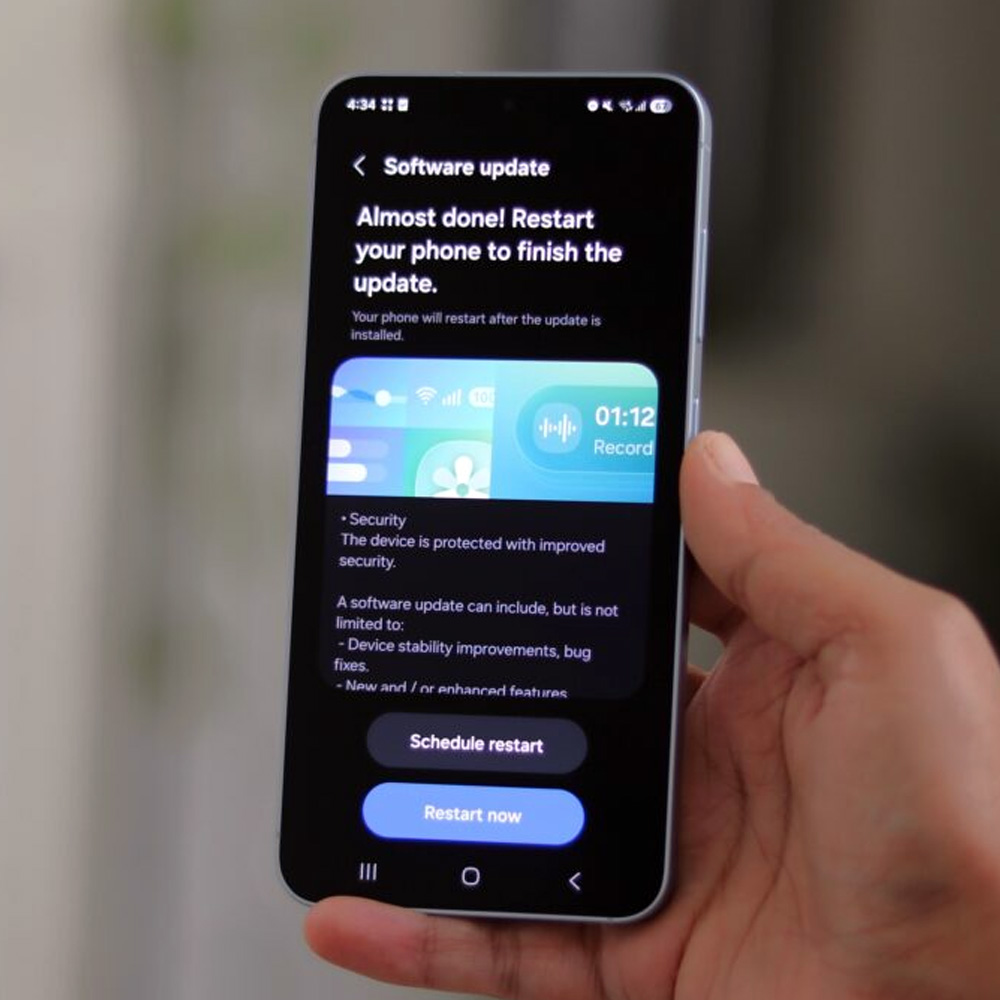
1. Update Software
Samsung constantly releases updates to address issues and improve performance. Ensure you’re running the latest firmware. To check, visit:
- Open Settings
- Tap Software updates
- Select Download and install
2. Uninstall or disable power-hungry applications
Some programs have too many background processes. Apps that deplete your battery and cause heat can be identified as follows:
- Open Settings
- Tap Battery & Device Care
- Select Battery
- Tap App Power Management

3. Modify performance settings
The S25 Edge includes built-in performance options (such as Light mode) to reduce CPU load. Navigate to:
- Open Settings
- Tap Battery and Device Care
- Select Battery
- Tap Additional Battery Settings

4. Use official Qi2 chargers and accessories
Knockoff chargers and unsuitable cables can generate excessive heat. Stick with Samsung-certified or trustworthy third-party accessories.

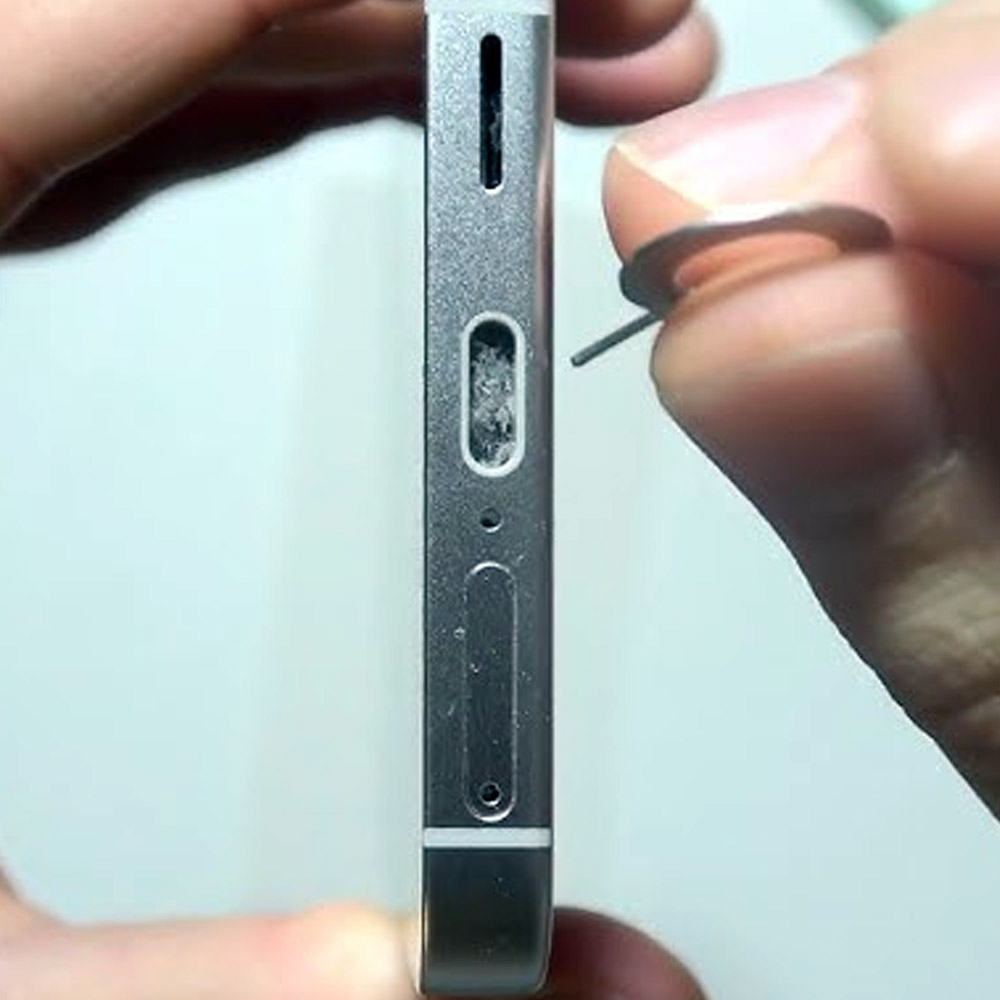
5. Clean the charging ports and vents
Dust buildup can cause mild warmth when charging. Use a soft brush or pressurised air to clean the port and minor vents.
6. Visit Service Centre
Whether your S25 Edge continues to overheat even when idle, or if the battery drains particularly quickly, visit a Samsung Service Centre. Persistent overheating could signal hardware difficulties or battery damage that requires repair or replacement.
Also Read: How to Fix Samsung Galaxy S25 Camera Crashing Issue?
