Summarize
Explore with AI
How to Enable Sensitive Content Warnings for FaceTime in iOS 26? FaceTime video calls are now protected by Apple’s Sensitive Content Warning feature in iOS 26. Previously, the feature was limited to shared photo albums, AirDrop, Contacts, and Messages. When enabled, your iPhone pauses the video feed before displaying potentially sensitive content and uses on-device machine learning to identify nudity during live FaceTime sessions.
FaceTime operates differently than other apps. FaceTime detects nudity and freezes both voice and video, allowing you to choose whether to continue or cancel the conversation instead of just blurring an image. Apple doesn’t see your video and never gets a notification that nudity was identified because all processing takes place locally on your device.
How to Enable Sensitive Content Warnings for FaceTime in iOS 26?
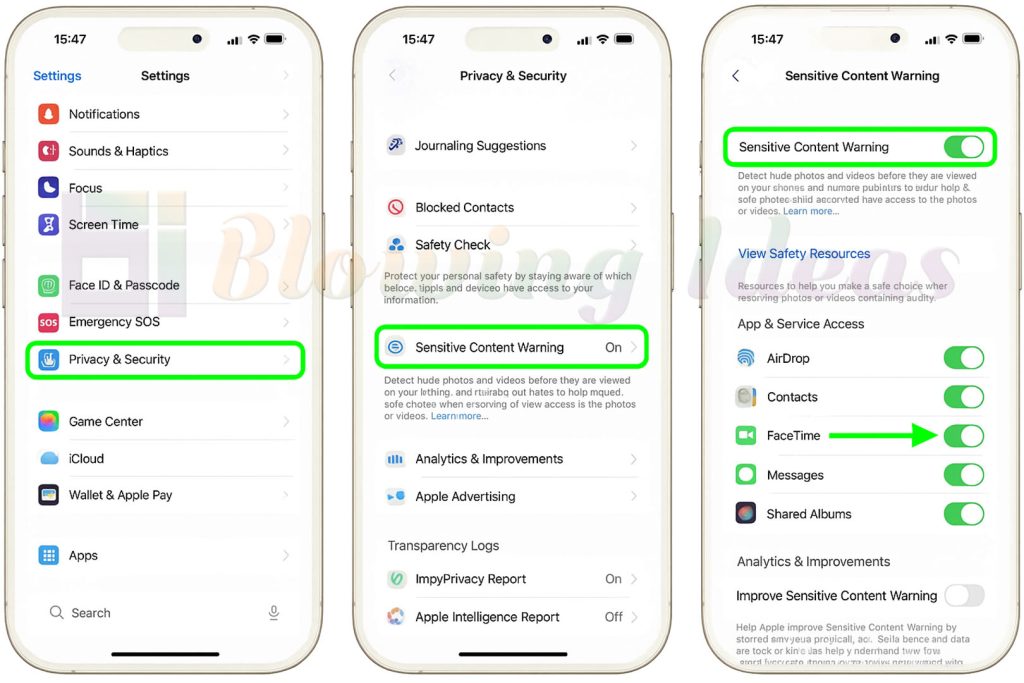
Sensitive Content Warning is disabled for adult accounts by default. Here’s how to make it active:
- Get your iPhone’s Settings app open.
- Press on Security & Privacy.
- Tap Sensitive Content Warning after scrolling down.
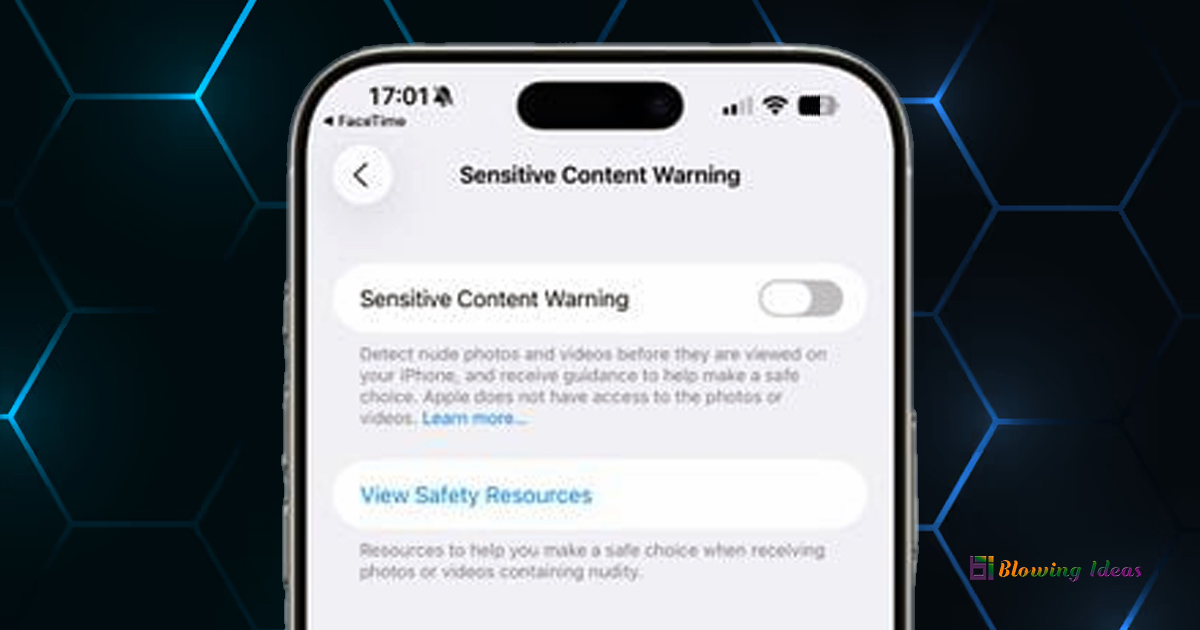
- At the top, turn on the Sensitive Content Warning.
After that, make sure the toggle next to FaceTime is switched on by scrolling down to the “App & Service Access” section. This takes the role of the prior iOS version’s “Video Messages” option in iOS 26.