
Summarize
Explore with AI
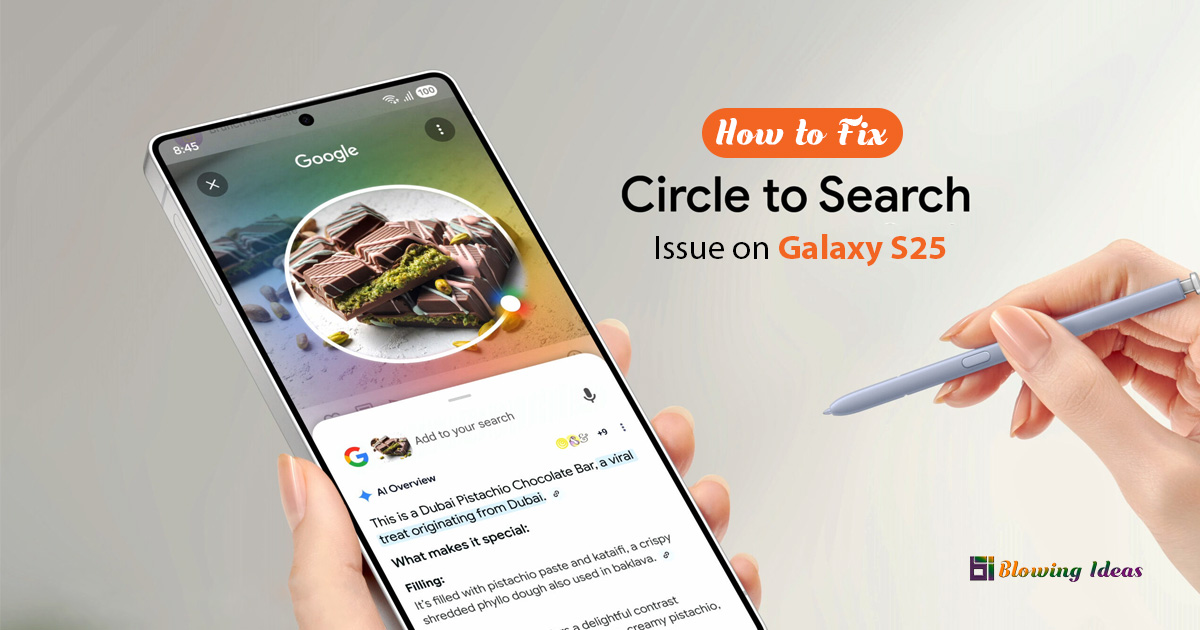
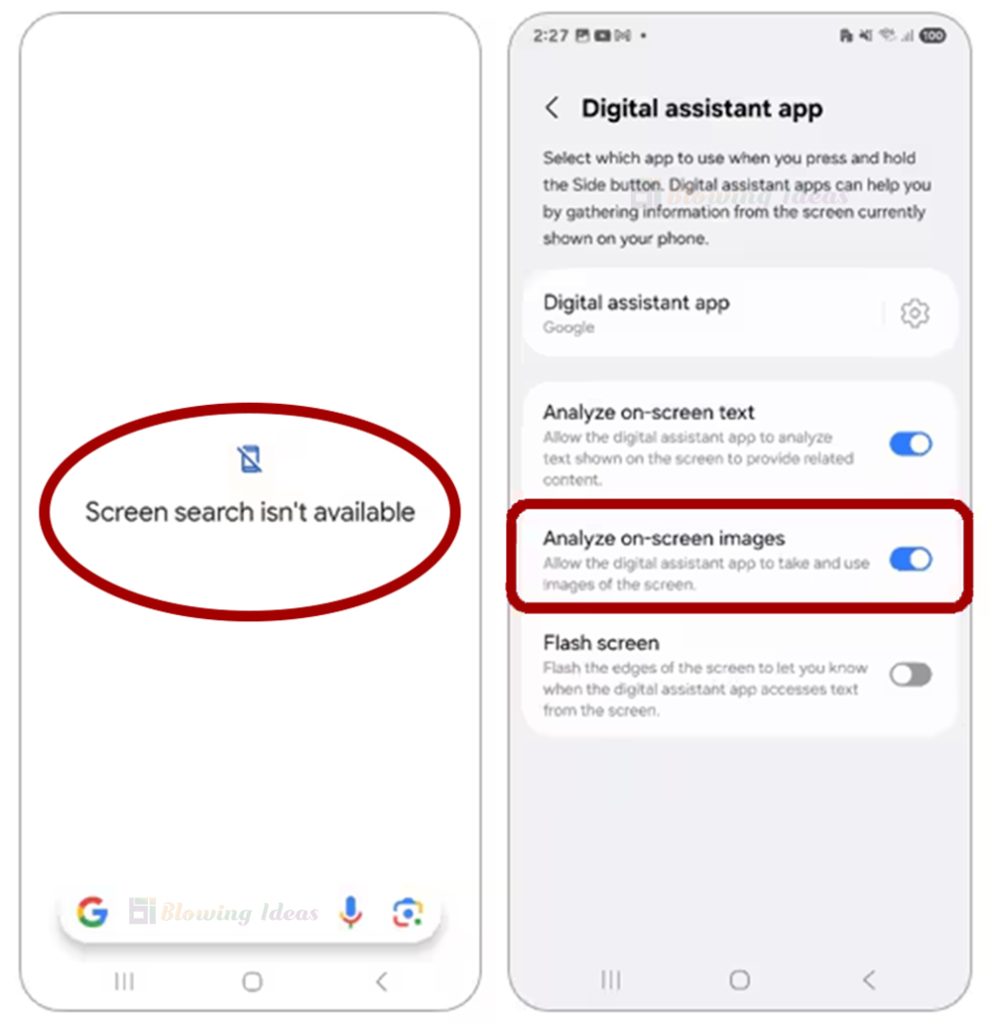
How to Fix the “Screen Search Isn’t Available” Issue on Samsung Galaxy S25 Series? If you receive the message “Screen search isn’t available” when attempting to use Circle to Search by tapping and holding the Home button, this could be due to a disabled setting.
Also Read: How to Create AI Images with Google Bard?
How to Fix the “Screen Search Isn’t Available” Issue on Galaxy S25 Series?
To use Circle to Search, ensure that ‘Analyse on-screen pictures’ is enabled.
Steps to Enable it:
- Open the Settings menu.
- Go to Applications.
- Select ‘Choose default apps’ at the top.
- Select the Digital Assistant app.
- Enable ‘Analyse on-screen visuals’.
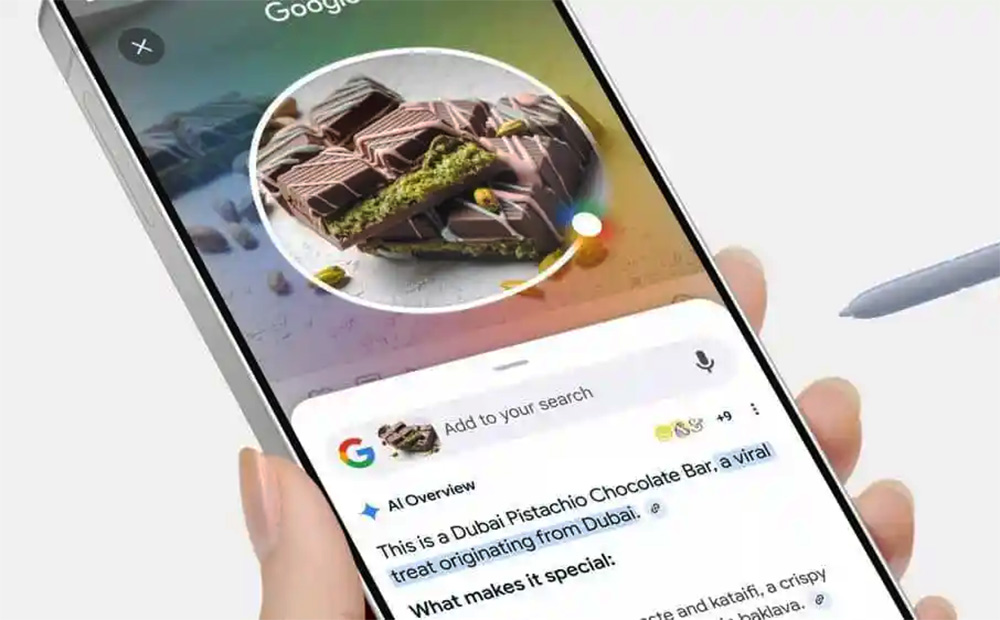
- Circle to Search will work properly when enabled, allowing you to search by circling objects on your screen.
It’s that simple. We hope you did not find too many issues along the way. Remember, if you can’t find what you’re looking for, search again!
Note: If you are still having problems, please call our contact centre and one of our experienced representatives will assist you.
Also Read: How to Fix Samsung Galaxy S25 Camera Crashing Issue?
